
◤ Newsletters
Send the newsletter, and keep it findable for good.
Post an issue as a PDF or write it on the site. Your people browse the back issues, search them, and read them. Email the issue in the same step.

◤ Why it helps
What changes when issues live here
Find the spring issue from two years ago
Back issues stay on one page, by year, and a search looks inside them.
Post and send together
The same issue goes on the site and out by email, so you do the work once.
A sent issue stays as it was sent
Once it has gone out, it reads the same way for good.
◤ Live from this demo
The latest issue, as your people see it
This is a working issue on this site. Read it as a reader would.
◤ What it can do
The main parts
A PDF, or written on the site
- Upload a PDF you made elsewhere, with a short cover note for the email
- Or write the issue in the editor, with pictures
- Add a cover picture and a line saying what is in this issue
Browse, search and read
- Issues newest first, under year headings
- Search the titles and the text inside each issue, or narrow by year
- Read a PDF on the page, or download it
Email it in the same step
- Send opens the mailing screen with the issue already filled in
- Choose everyone, a group or a hand-picked list, and send a test first
- Send again later to people who joined after it went out
Draft, published or hidden
- Keep an issue as a draft until it is ready
- Put a back issue on the page without emailing it
- Hide a mistake without deleting it
◤ Three views
Who sees what
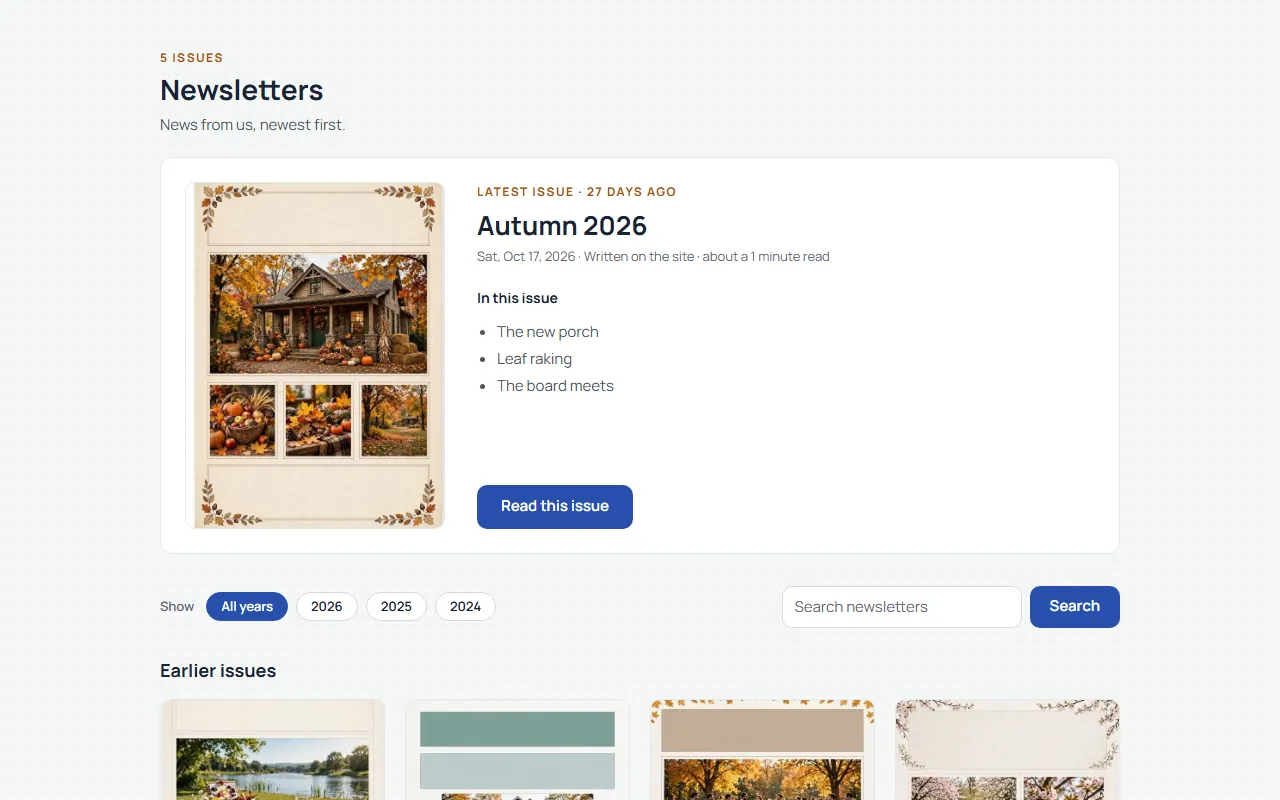
Visitors
You choose: the newsletters page can be public, or only for your people.

Your people
Browse and search the issues, read them, and see the latest issue on their own dashboard.
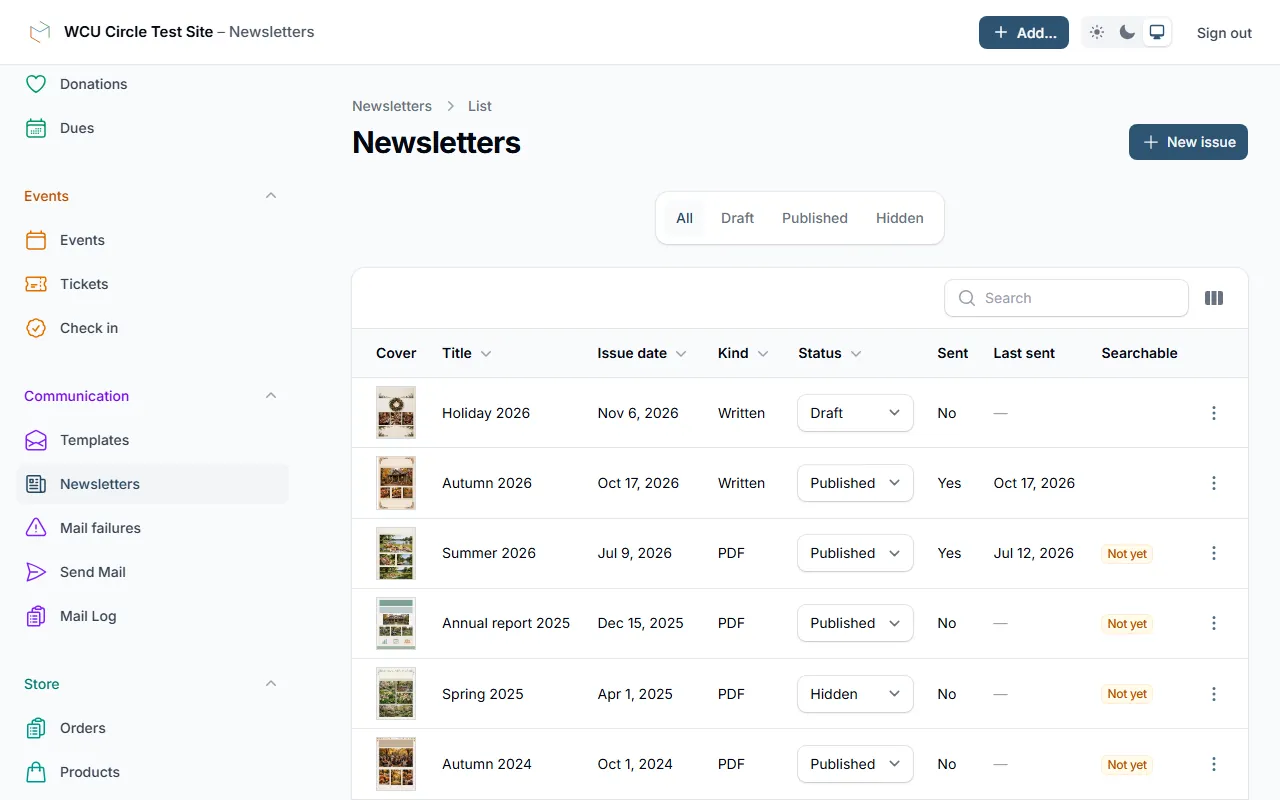
Your staff
Add issues, set their status, send them and see what was sent.
Want your newsletter to work this way?
We'll walk you through it live, staff side included.
◤ Made to work together
Every feature shares one foundation
One login for your people. One list of who they are. One checkout for anything they pay for. Each feature knows what the others know, so your staff type things once and your people find everything in one place.
- One login
- One list of your people
- One checkout
- One staff side