
◤ Member dashboard
A home of their own for everyone who logs in.
After logging in, each person lands on a page that is just theirs: what is coming up, what is new, and where to go next. The page grows as your site does.

◤ Why it helps
What changes when people have a home page
Everything in one place
No hunting through menus. After logging in, people see what matters to them first.
It shows what is new
Upcoming events, the latest documents, the newest issue and their own orders, as small cards.
Their own account
People change their own details, email and password, and set their own preferences.
◤ Behind the log-in
This part is for people who are signed in
The member dashboard is private, so we cannot show it on a public page. Ask for a demo and we will open it with you.

◤ What it can do
The main parts
A home page for each person
- A welcome by name
- Cards from the features your site has, such as upcoming events, latest documents, the latest newsletter and recent orders
- A card shows only when there is something to show
A menu of what they can use
- One menu on every page for a signed-in person
- It lists only the things this person can reach
- Staff get a link to the staff side
My account
- Profile: name, phone and address
- Email and password, with a confirmation step when the email changes
- Preferences, such as whether to get bulk email
Grows with your site
- Add a feature and its card and menu link appear
- Orders, plans, dues, giving and tickets show here when they apply
- The order and the look can be shaped to suit you
◤ Three views
Who sees what
Visitors
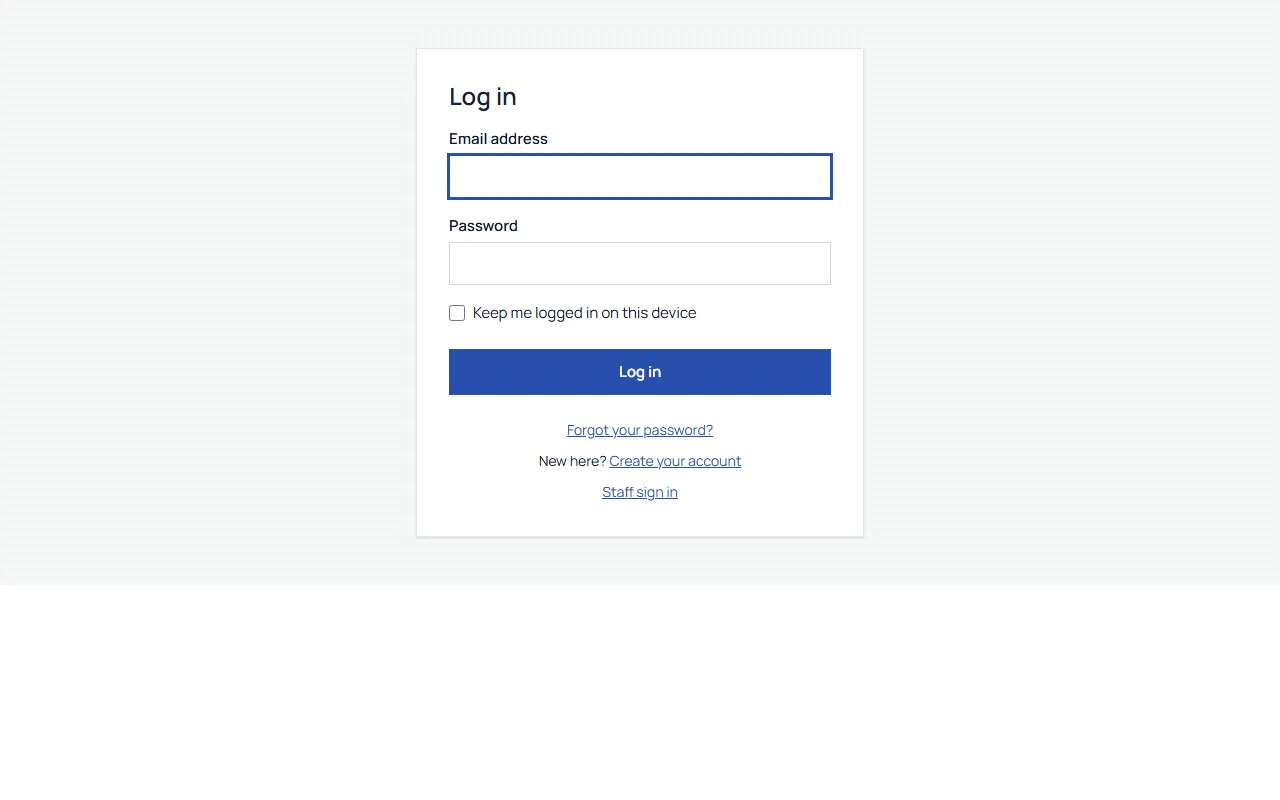
They do not see it. A visitor who tries to open it is sent to the log-in page.

Your people
Their dashboard, their menu and their account, with only what applies to them.

Your staff
The same member side, plus a link to the staff dashboard.
Want to see a dashboard built for your people?
We'll walk you through it live, staff side included.
◤ Made to work together
Every feature shares one foundation
One login for your people. One list of who they are. One checkout for anything they pay for. Each feature knows what the others know, so your staff type things once and your people find everything in one place.
- One login
- One list of your people
- One checkout
- One staff side